
Python & AI Integrated Curriculum
Building Future-Ready Coders & Young AI Explorers
This structured 60-class coding program integrates Python foundations with AI awareness modules.
Students gradually build programming confidence while learning how Artificial Intelligence connects to real-world technology.
LEVEL 1: Python Foundations (Classes 1–15)
Focus: Understanding coding basics with visual logic and real-life connections
Class Structure (Each Session)
10 min – Concept
15 min – Guided Coding
20 min – Practice Task
10 min – Fun Challenge
5 min – Reflection
Class Topics & Learning Parts
Class 1: Introduction to Python
What is coding?
Where Python is used (games, AI, apps)
Run first program
Class 2: Print & Comments
Output formatting
Debugging basics
Classes 3–4: Variables & Data Types
Numbers
Text
Boolean
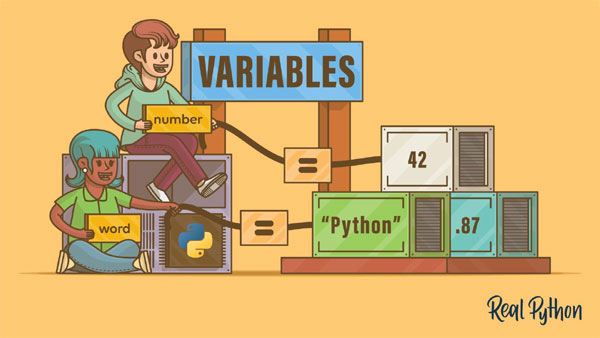
Real-life analogy: Boxes storing values
Class 5: Type Conversion
Converting input to numbers
Class 6: User Input
Creating interactive programs
Classes 7–10: Operators
Arithmetic operators
Comparison operators
Logical operators
Mini tasks: Calculator logic
Classes 11–14: Conditional Statements
if
if-else
elif
Nested if
Decision-making programs
Class 15: Mini Project
Students build:
Age Eligibility Checker
Even/Odd Game
Smart Calculator
LEVEL 2: Loops & Data Structures (Classes 16–30)
Focus: Repetition, patterns, and data storage
Learning Parts
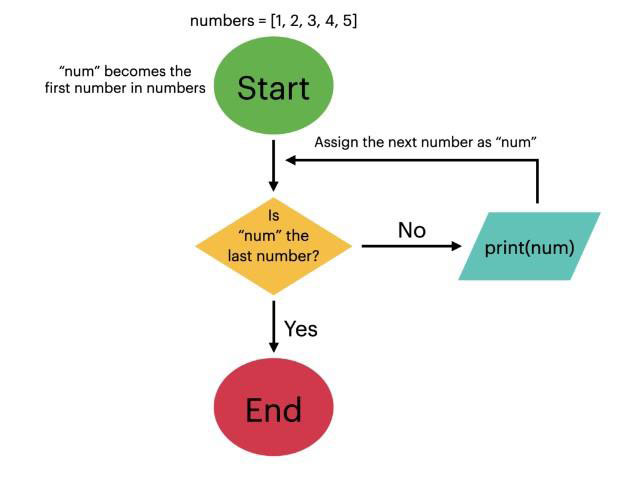
Classes 16–18: for Loop
range()
Iteration concept
Counting programs
Class 19: while Loop
Condition-based repetition
Class 20: Loop Control
break
continue
pass
Classes 21–22: Nested Loops
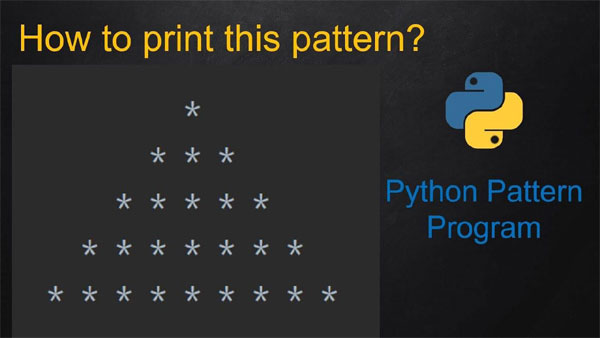
Pattern printing (stars, numbers)
Classes 23–25: Strings
Indexing
Slicing
Methods (upper, replace, split)
Classes 26–28: Lists
Create, update, delete
List methods
Loop through lists
Class 29: Tuples & Sets
Immutable collections
Unique collections
Class 30: Mini Project
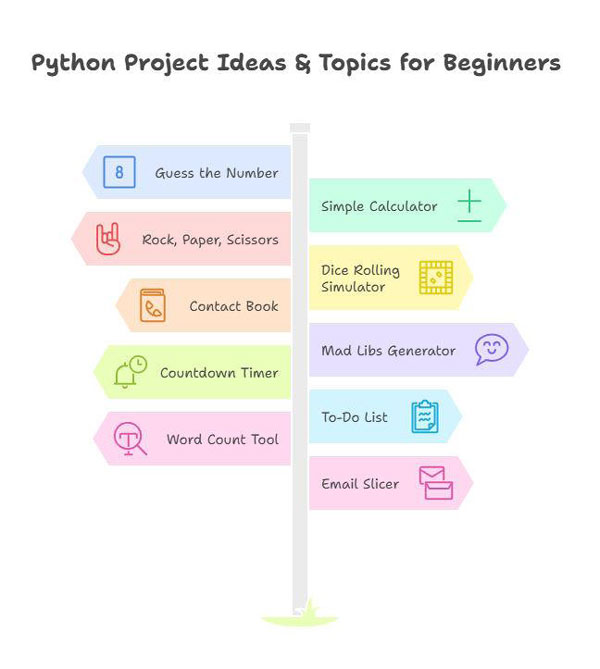
Number Guessing Game
Pattern Generator Tool
LEVEL 3: Core Programming Skills (Classes 31–45)
Focus: Writing structured programs and handling real data
Learning Parts
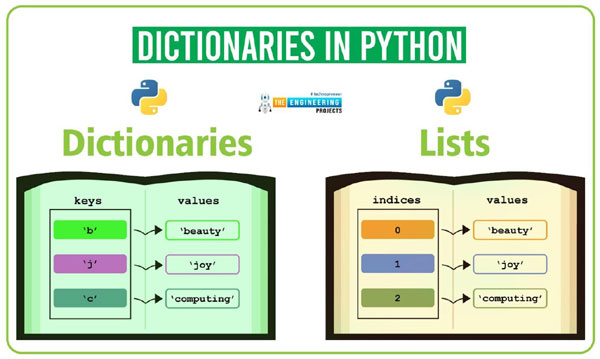
Classes 31–33: Dictionaries
Key-value structure
Real-life example: Student records
Nested dictionaries
Classes 34–37: Functions
Why functions?
Parameters & return
Scope
Lambda basics
Classes 38–39: Modules
math module
random module
Create custom module
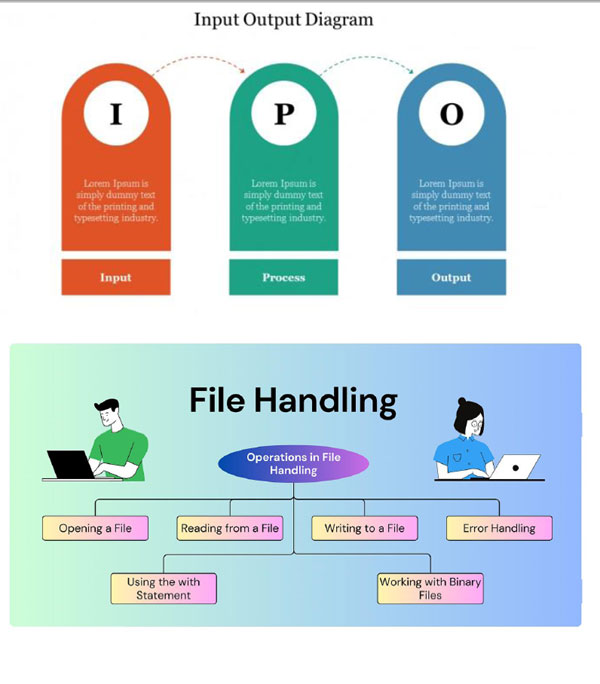
Classes 40–41: File Handling
Read files
Write files
Save user data
Classes 42–44: Exception Handling
try-except
Multiple errors
finally
Building user-friendly programs
Class 45: Mini Project
File-based Contact Book
LEVEL 4: Intermediate Applications & OOP (Classes 46–60)
Learning Parts
Classes 46–48: Advanced File Work
CSV handling
Data processing
Classes 49–50: Menu-Driven Programs
Multi-option applications
Program structure
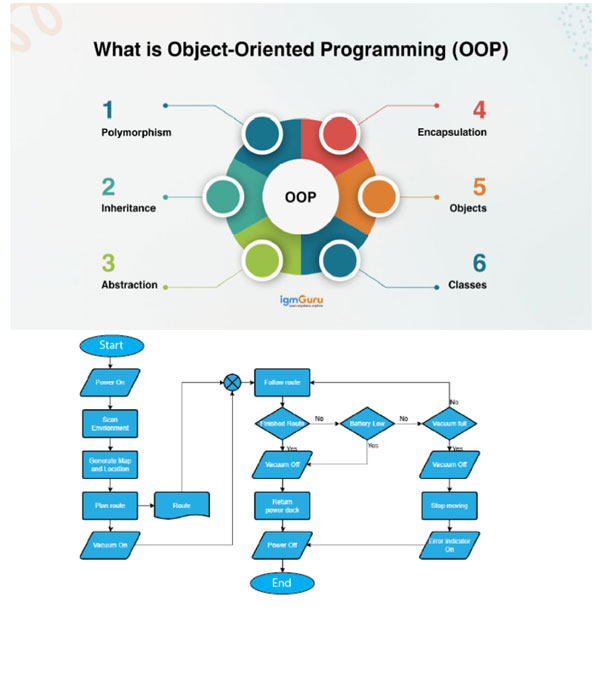
Classes 51–54: Introduction to OOP
Class & Object
Constructors
Methods & attributes
Student Record System
Classes 55–60: Final Project Phase
Class 55: Project selection
Class 56: Design planning
Classes 57–58: Coding
Class 59: Testing & debugging
Class 60: Presentation
Project Options
Expense Tracker
Quiz Game
Library System
Student Manager
Final Learning Outcomes
Students will:
Write structured Python programs
Use loops, lists, dictionaries, and functions
Handle files and errors
Build menu-driven applications
Understand OOP basics
Complete real-world projects confidently
AI Explorers – Grade 3 (15 Classes)
Level: Beginner (No prior knowledge)
Outcome: Children understand AI, interact with it using prompts, and use it creatively and responsibly.
Learning Method (Each Class)
10 min – Story/Concept
15 min – Guided AI Activity
15 min – Hands-on Creation
10 min – Sharing/Reflection
Class-wise Plan
Class 1 – What is AI?
Concept
AI as a smart helper
Where we see AI (YouTube, Alexa, games)
Activity
“AI or Human?” guessing game
Outcome
Child understands AI is a tool that helps us
Class 2 – Talking to AI
Concept
AI understands text questions
Activity
Ask simple questions:
“What is a lion?”
“Tell me a joke”
Outcome
Confidence interacting with AI
Class 3 – Good Questions vs Bad Questions
Concept
Clear questions give better answers
Activity
Compare:
“Story”
vs “Tell me a story about a brave dog”
Outcome
Introduction to prompting basics
Class 4 – Prompting for Stories
Concept
AI can create stories
Activity Prompt Format
“Write a short story about a ___ who lives in ___.”
Outcome
Creative AI use
Class 5 – Prompting for Pictures (AI Art)
Concept
AI creates images from words
Activity Examples
“A cute robot in space”
“A rainbow castle”
Outcome
Understanding descriptive prompts
Class 6 – The Magic Prompt Formula
Structure:
Character + Place + Action
Example:
“A panda in a jungle playing football”
Kids create their own prompts.
Class 7 – Make Your Own AI Character
Prompt:
“Create a superhero who helps children learn.”
Kids draw their AI character.
Class 8 – AI for Learning
Use AI to:
Solve simple math
Explain words
Help with homework
Activity:
“Explain multiplication in an easy way.”
Class 9 – AI Game Creator
Prompt:
“Create a quiz about animals.”
Kids play AI quiz.
Class 10 – AI and Feelings
Concept
AI doesn’t have real feelings
Discussion:
Can AI be sad? Happy?
Class 11 – AI Safety Rules
Teach:
Don’t share personal information
Use AI kindly
Always check answers
Activity:
Safe vs Unsafe game
Class 12 – Fix the Prompt
Weak prompt: “Story”
Improved prompt:
“Write a funny story about a monkey in school.”
Classes 13–14 – Mini Project
Choose one:
AI Story Book
AI Art Gallery
AI Quiz
Students:
Improve prompts
Add drawings
Practice presentation
Class 15 – AI Show & Tell
Students present:
Their best prompt
Story / art / quiz
Certificate Title:
“Young AI Explorer – The Orbis Academy”
Skills Developed
Children will learn:
• What AI is
• How to talk to AI
• Basic prompting skills
• Creative thinking
• Responsible AI use
• Confidence with technology
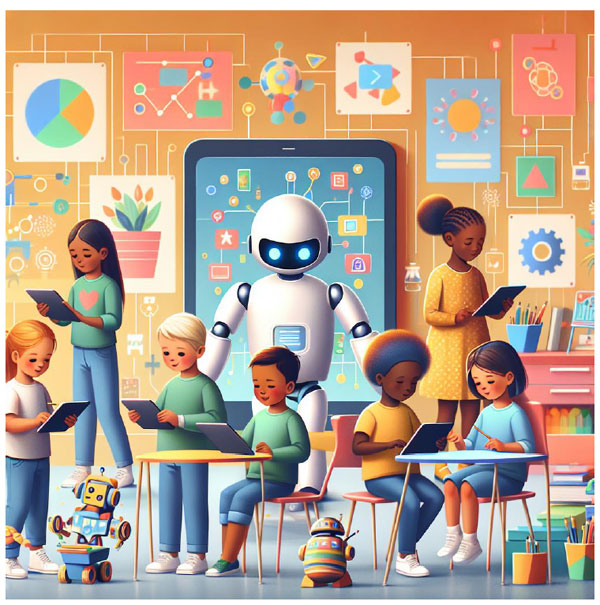
These AI classes are embedded within the Python/Coding program and will be delivered at strategic points between coding sessions. The purpose of this integration is to help students understand how coding connects to real-world Artificial Intelligence, while keeping the learning fun, creative, and age-appropriate.
Throughout the course, students will participate in short AI-focused sessions that introduce them to AI awareness, basic prompting, creative AI usage, and responsible technology practices. These sessions are designed to reinforce logical thinking, creativity, and digital confidence alongside their coding skills.
The integrated AI components include:
• Understanding what Artificial Intelligence is and where we see it in daily life
• Learning how to communicate with AI using simple and clear prompts
• Creating stories, quizzes, and ideas using AI tools
• Generating images using descriptive prompts (Character + Place + Action method)
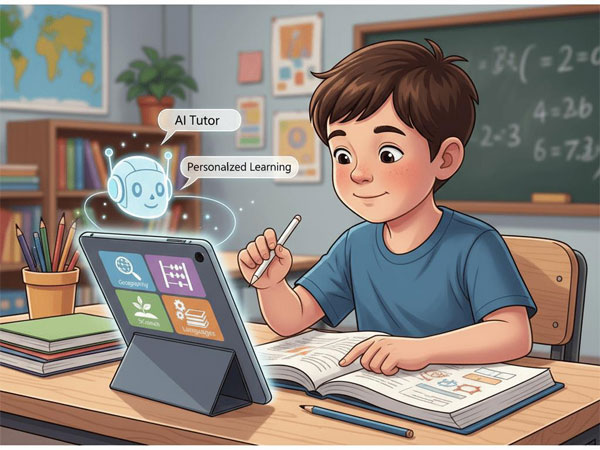
• Using AI as a learning assistant for explanations and problem-solving
• Improving prompts to get better and more accurate results
• Developing creativity through AI-based storytelling and design activities
• Understanding that AI is a tool and does not think or feel like humans
• Learning safe and responsible AI use (privacy, kindness, and verification of information)
These integrated sessions will be delivered as short interactive modules between coding lessons, ensuring that students gradually build familiarity with AI while continuing their programming journey.
By the end of the program, students will not only learn coding fundamentals but also develop the confidence to think creatively, communicate effectively with AI, and use technology responsibly—preparing them for the AI-powered future.
Outcome:
Students become confident young learners who can code, create, and collaborate with AI as a smart learning partner.